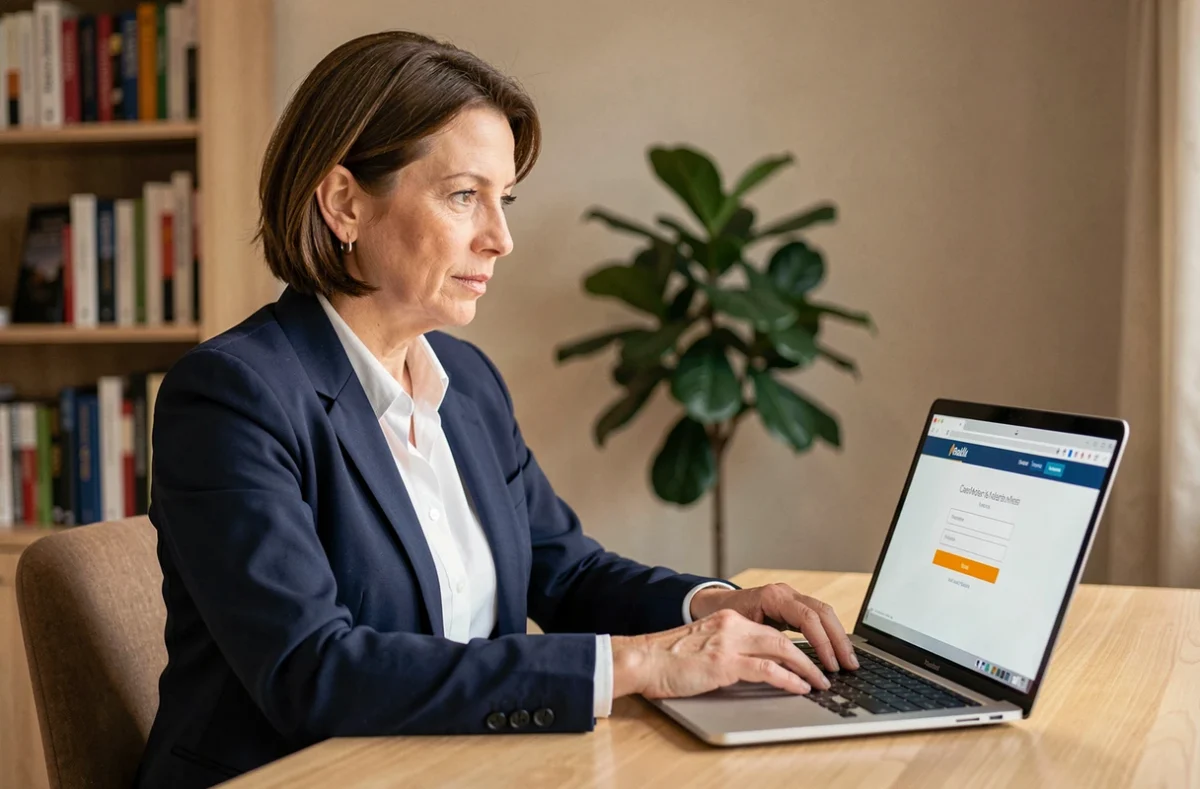
We open the browser, type an address, and enter our credentials. Three mundane actions, except when the login page is not the right one. The Akeonet webmail, offered by the operator Akeo Télécom, operates through a dedicated authentication portal. Access security relies less on sophisticated tools and more on a few concrete reflexes before, during, and after logging in.
Check the Akeonet domain before entering a password
Before typing anything in the username and password fields, we look at the address bar. The Akeonet webmail authentication portal is located at auth-webmail.akeonet.com. If the displayed URL differs, even slightly (an extra hyphen, a .net extension instead of .com, an unusual subdomain), we do not enter anything.
The HTTPS protocol must be active: a padlock appears to the left of the address in most browsers. Its absence indicates either a certificate problem or a fraudulent page. Clicking on this padlock allows us to verify that the certificate is indeed issued for the domain akeonet.com.
Phishing campaigns regularly target webmails. The classic scenario: an email invites you to “confirm your account” via a link. This link leads to a visual copy of the portal, hosted on a third-party domain. To protect against this, accessing the webmail from a saved bookmark or typing the address directly remains the most reliable method. You can access Akeonet webmail by following this systematic domain verification logic.

Password manager and Akeonet login: a double lock
A password manager (Bitwarden, KeePass, the one integrated into Firefox or Chrome) is not only used to remember complex credentials. It also serves a detection function.
The principle is simple: when we arrive at the Akeonet login page, the manager automatically offers to fill in the fields if the domain matches the one recorded. If no username appears, the visited domain does not match the usual site. This is an immediate alert signal, quicker to spot than a manual certificate check.
For this mechanism to work, the entry in the manager must be precisely associated with auth-webmail.akeonet.com. A few points to respect:
- Register the full URL of the portal (not just “akeonet”) during the first entry in the manager
- Use a unique password for the Akeonet account, different from those used on other services
- Enable automatic locking of the manager after a few minutes of inactivity, especially on a shared workstation
Feedback varies on the reliability of autofill depending on the browsers, but the signal “no username offered” remains a consistent indicator regardless of the tool used.
Forgotten password on Akeonet: the risk-free procedure
The Akeonet authentication page offers a “Forgot Password” link that redirects to Akeo Télécom’s self-care. This interface allows you to reset your access.
The basic rule: never use a link received by email to reset a password. Go directly to the portal from your bookmark, then click on the recovery link present on the login page. This ensures that you are interacting with the real service and not an intermediary page.
When choosing a new password, aim for a length of at least twelve characters, mixing letters, numbers, and special characters. A short password or one reused across multiple accounts exposes the email to unauthorized access, especially if another service suffers a data breach.
Akeo client area and address management
The authentication portal also provides access to a “Manage My Addresses” section. Here you can find the list of email aliases linked to the account. Regularly checking this list allows you to spot a forwarding address added without your knowledge, a technique sometimes used after a compromise of the account.
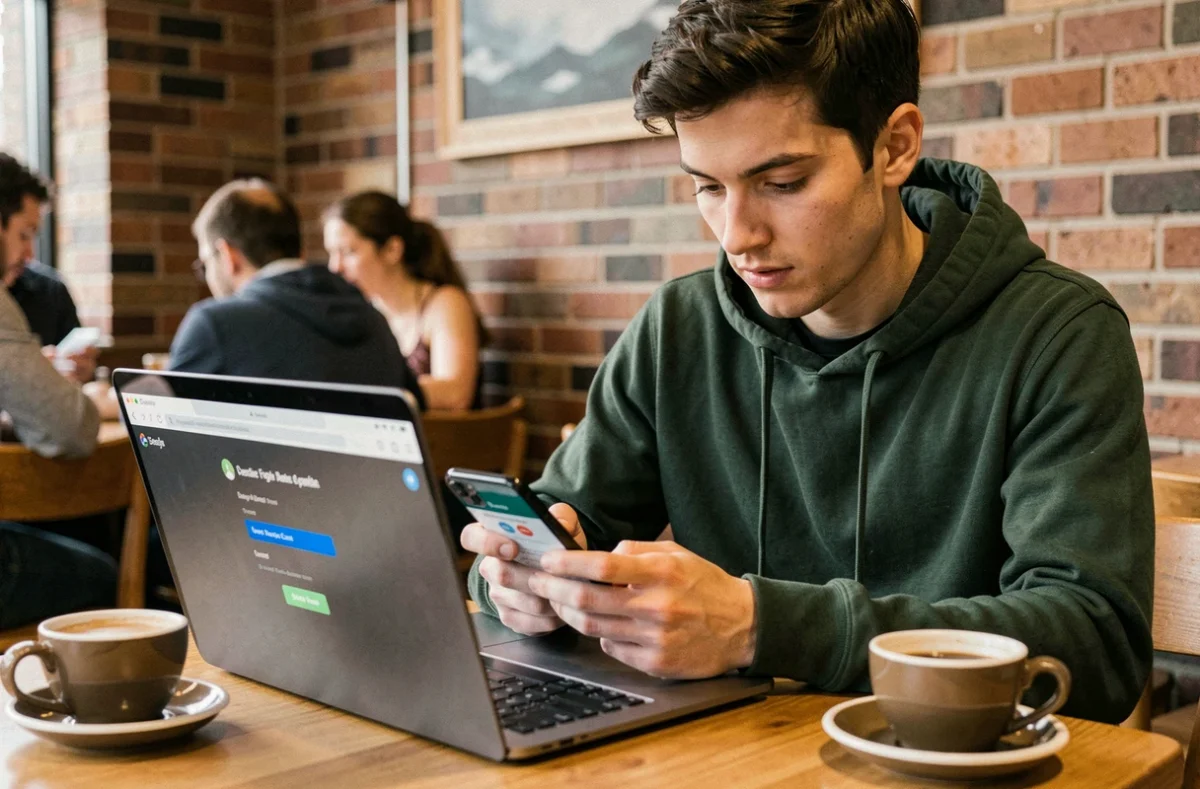
Secure the Akeonet webmail session after logging in
Logging in on the correct domain with a strong password only covers part of the problem. The session itself must be protected, especially when checking your Akeonet email from a shared network or public computer.
- Explicitly log out after each session instead of simply closing the tab, as the session may remain active in the background
- Avoid checking “Stay logged in” on a machine that is not yours
- Clear the browser’s cache and cookies if the login occurred on a shared device
A forgotten session on a shared device gives full access to the mailbox, contacts, and attachments. The risk is more concrete than a technical attack: it only takes the next person to open the browser.
Navigation in the webmail interface
The Akeonet webmail interface is available in several languages (French, English, German, among others). You can select the language directly from the login page. Once in the inbox, the classic functions are accessible: sorting messages, managing folders, searching by sender or subject.
The webmail remains a solution for occasional access. For intensive daily use, configuring a local email client (Thunderbird, Outlook) with the server settings provided by Akeo Télécom offers superior working comfort and reduces time spent in the browser.
The security of an Akeonet email account relies on simple but regular actions: check the domain, let the password manager do its sentinel work, never reset a password from an unsolicited link, and properly close each session. None of these reflexes are technical. All are effective.